01 / PLAN WITH CLARITY
A finish date you
can explain.
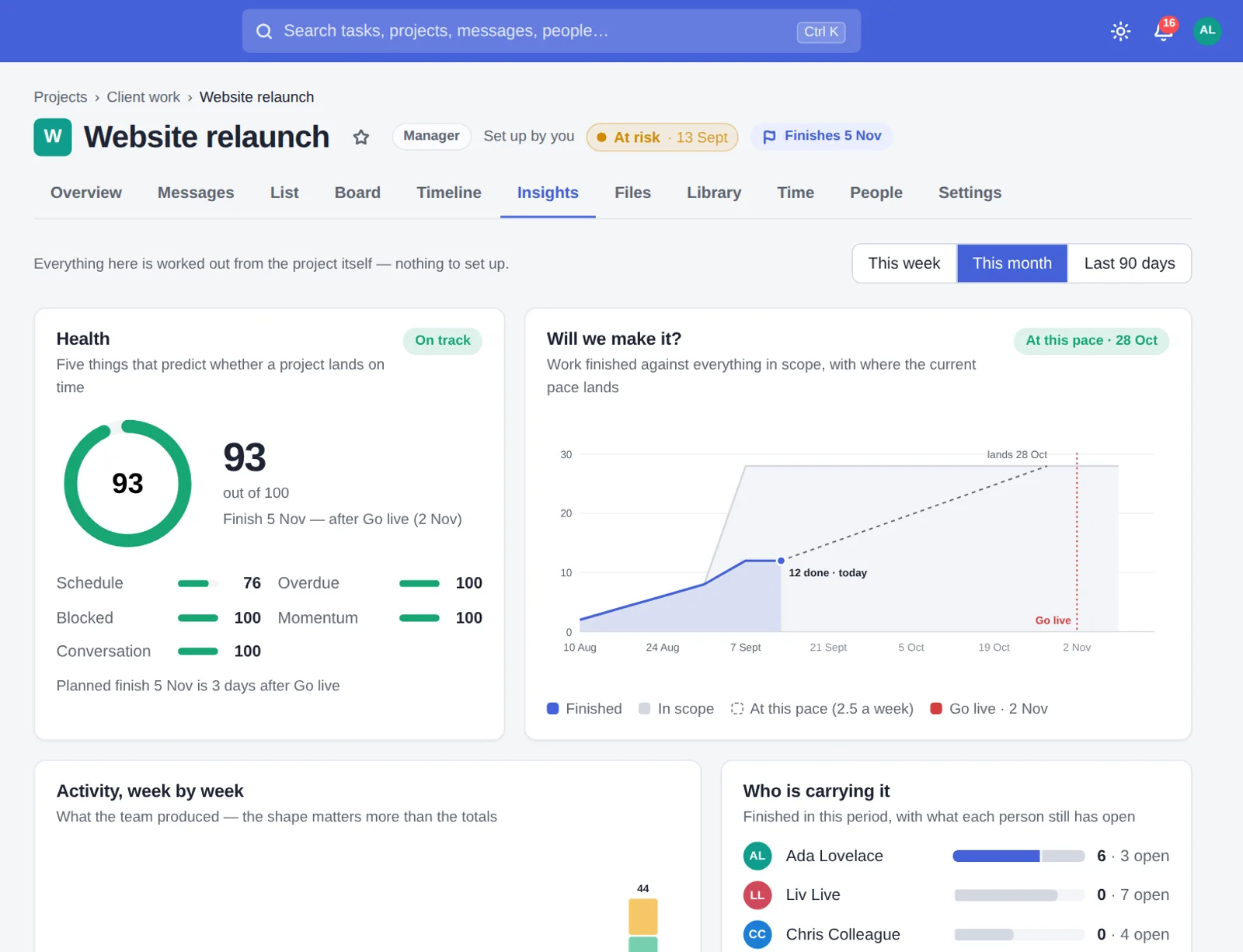
Estimates, dependencies and time away become a working forecast. When something changes, see what moved — and why.
Explore the timeline ↗THE PLAN26 Oct
→WHEN WORK SHIFTS29 Oct
Know when your projects will finish.
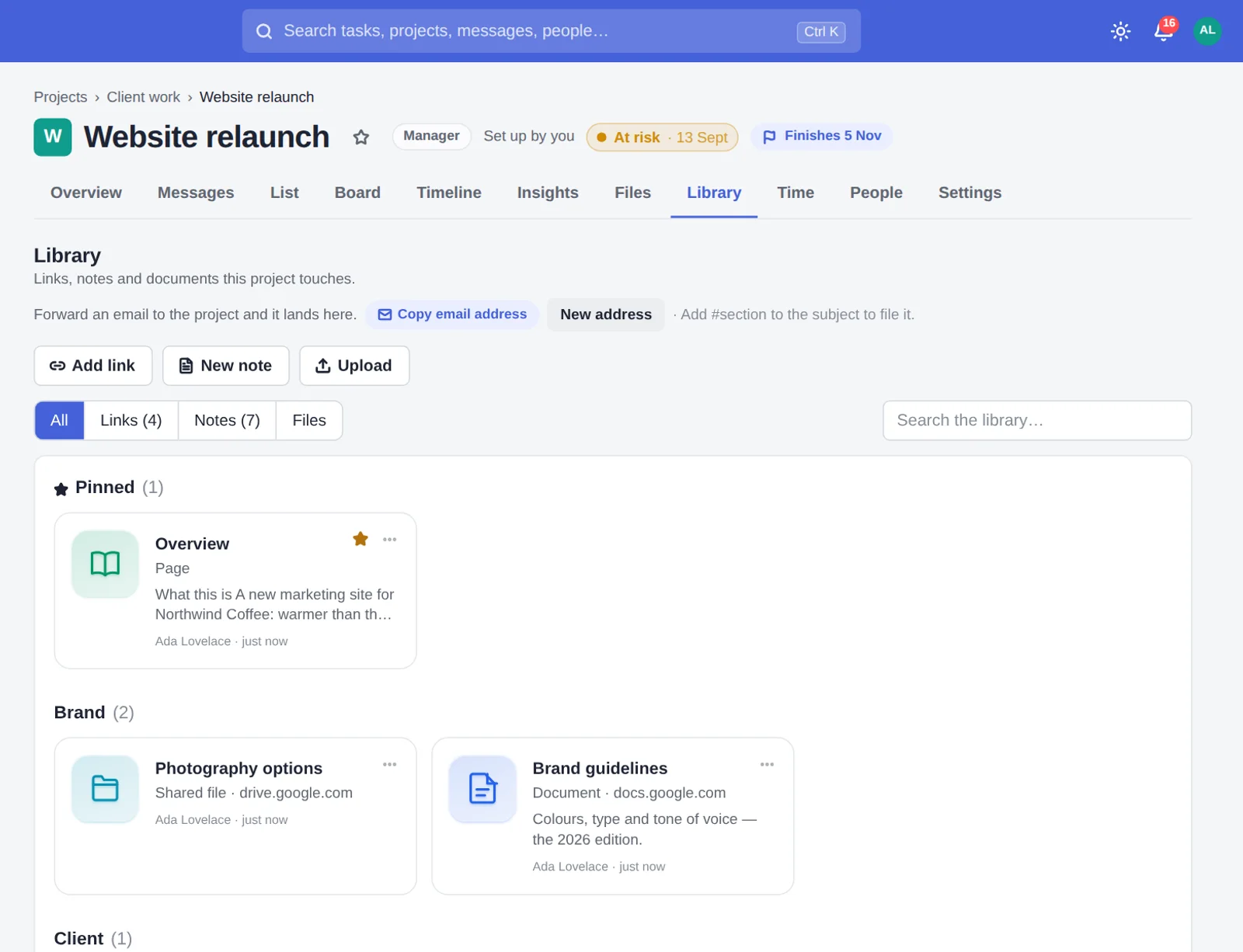
Keep the work, the conversations and your clients together — in one clear place.
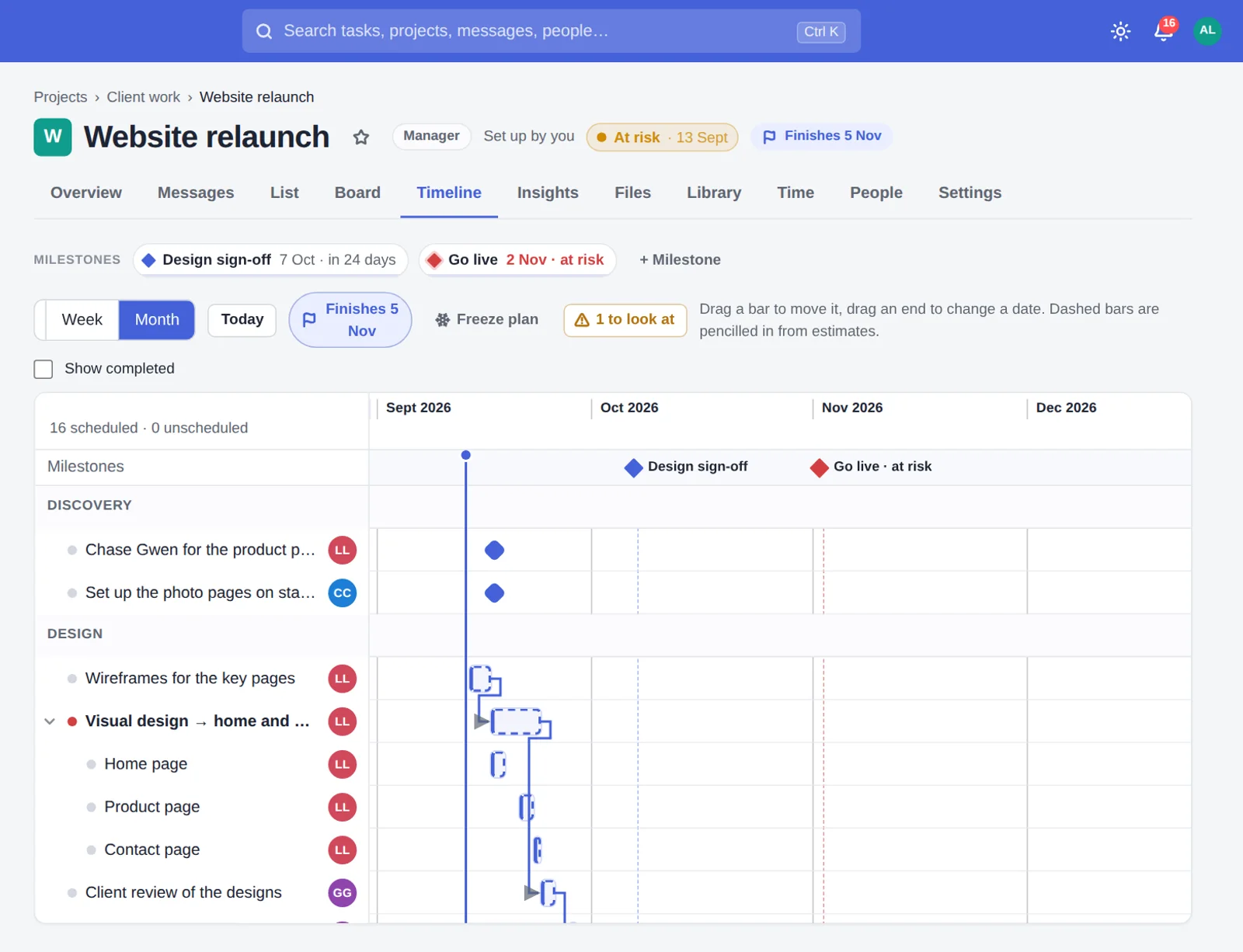
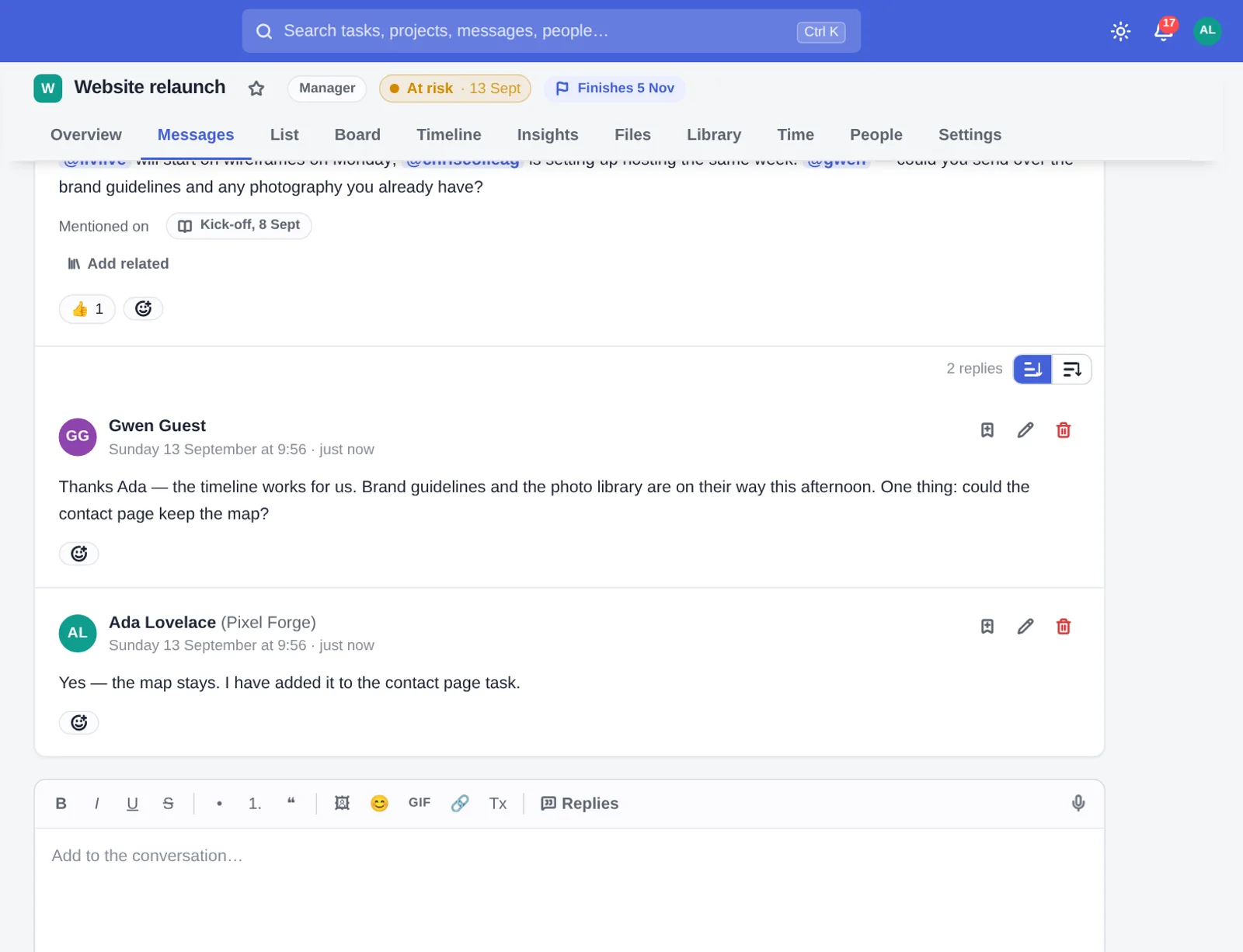
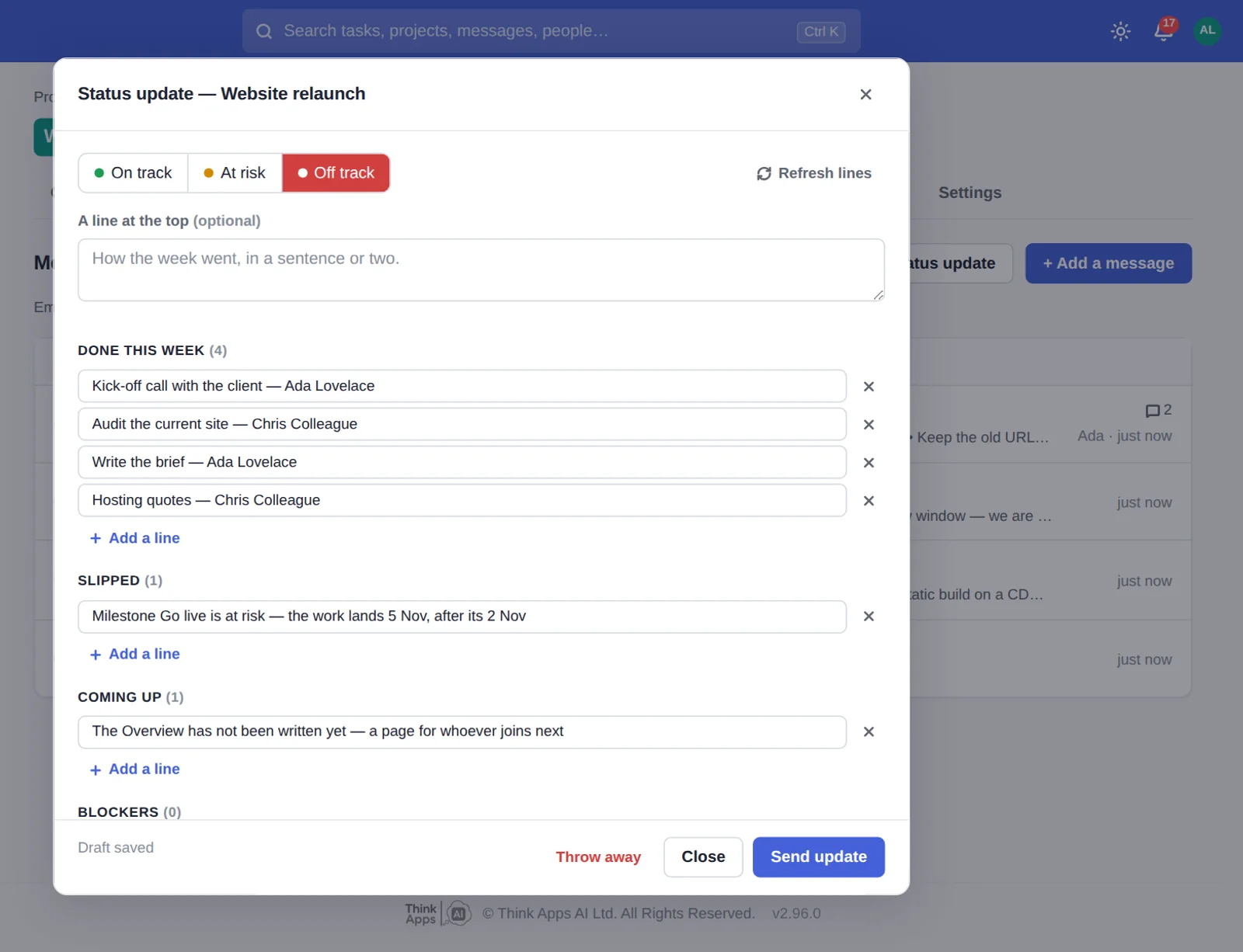
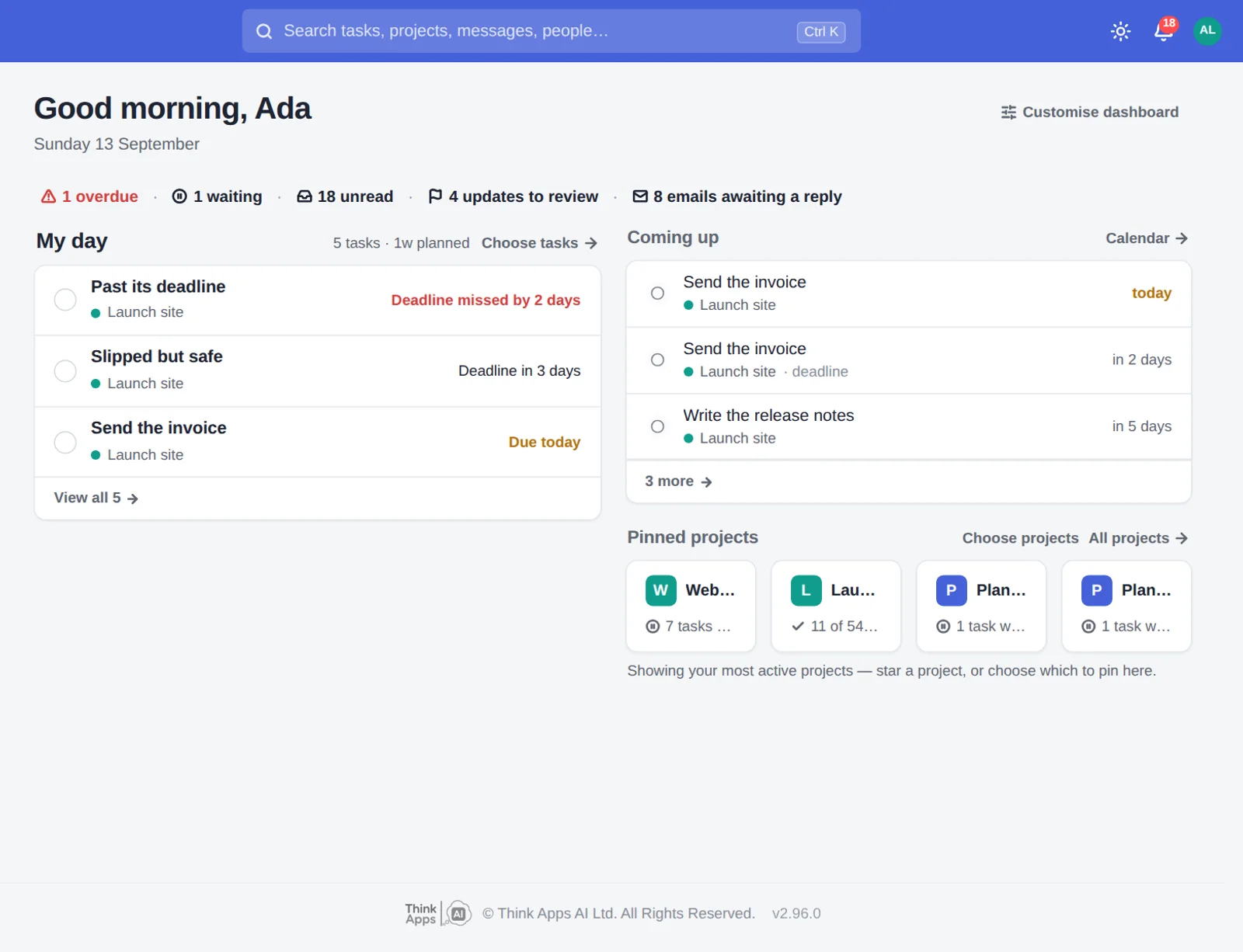
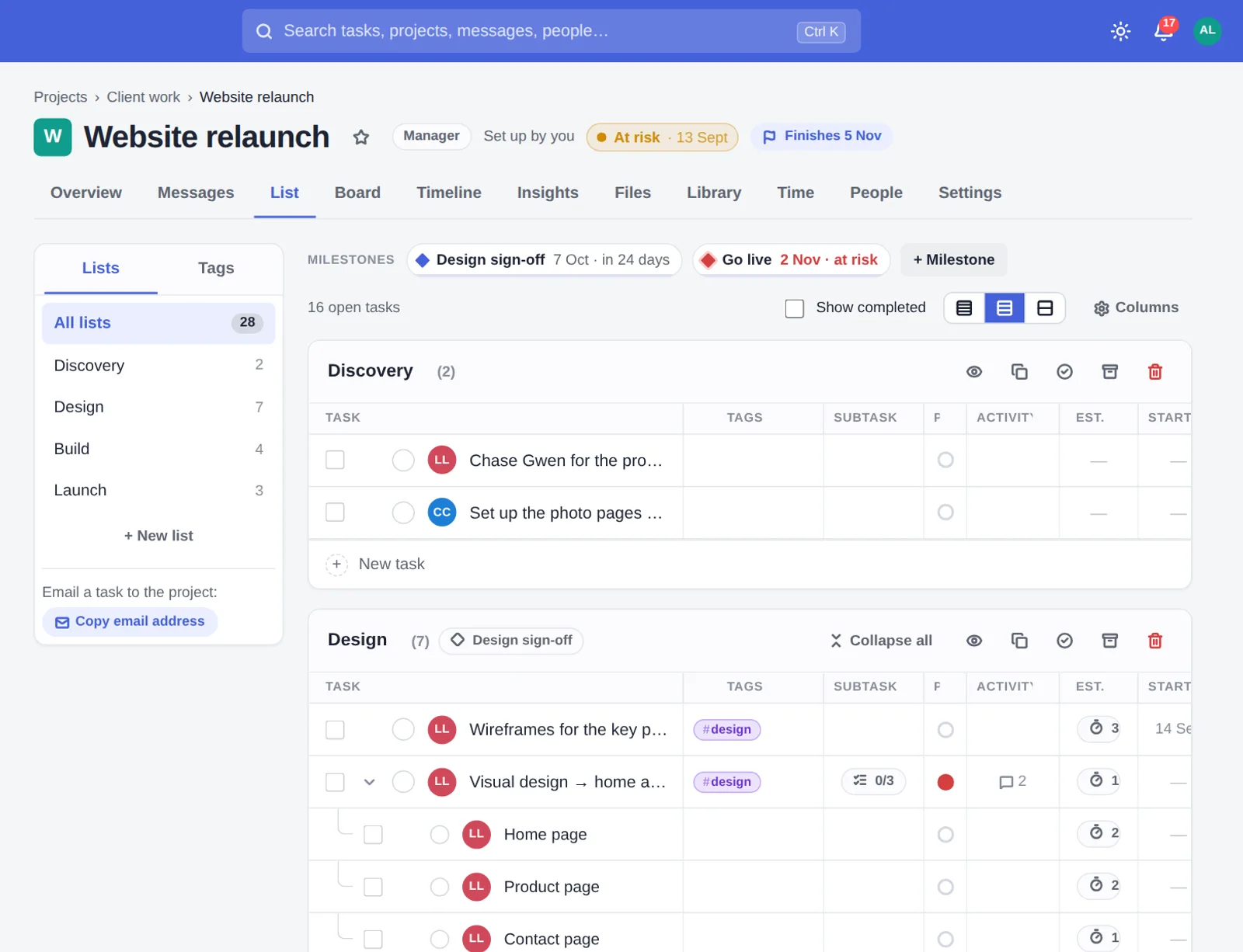
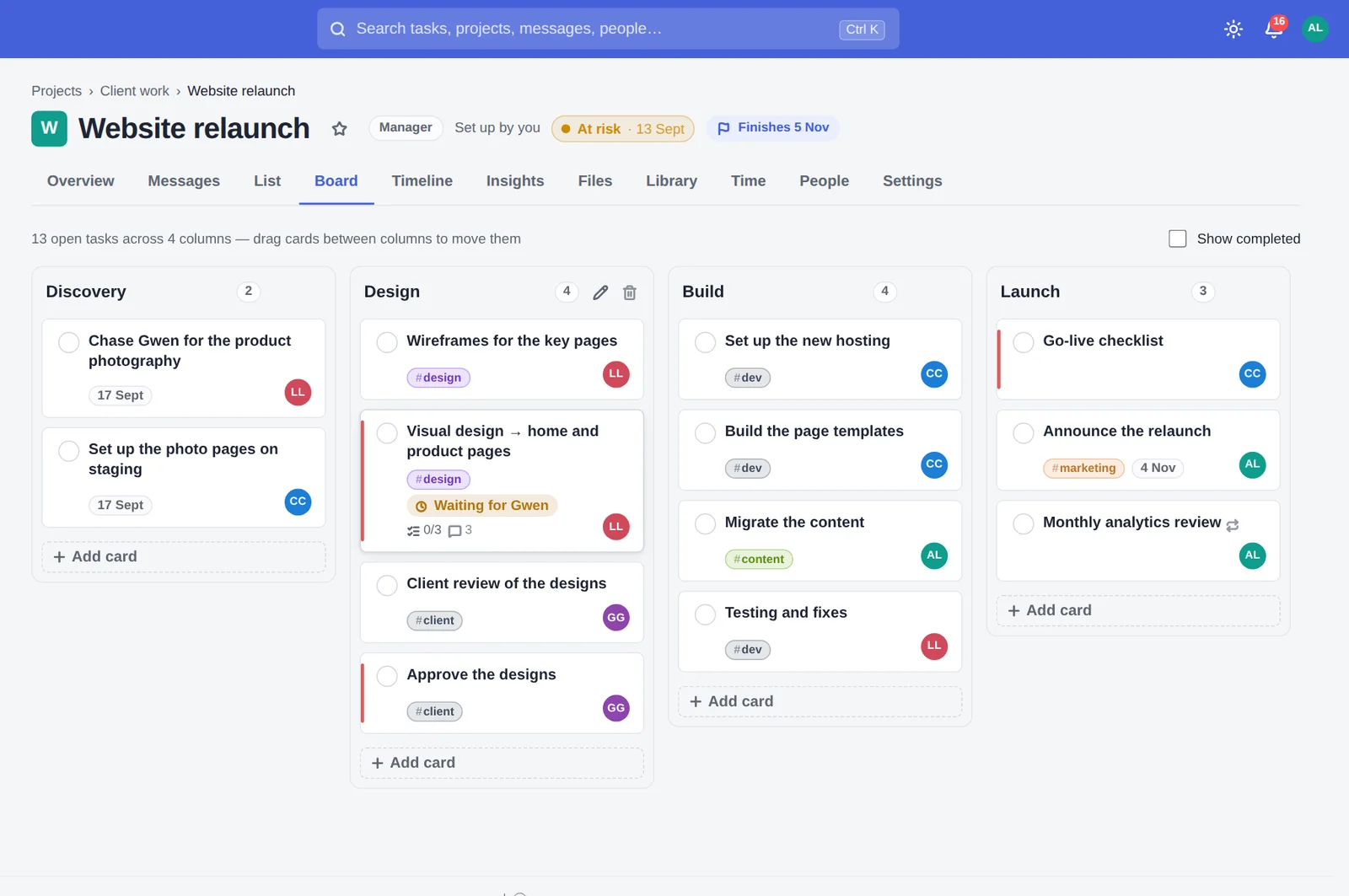
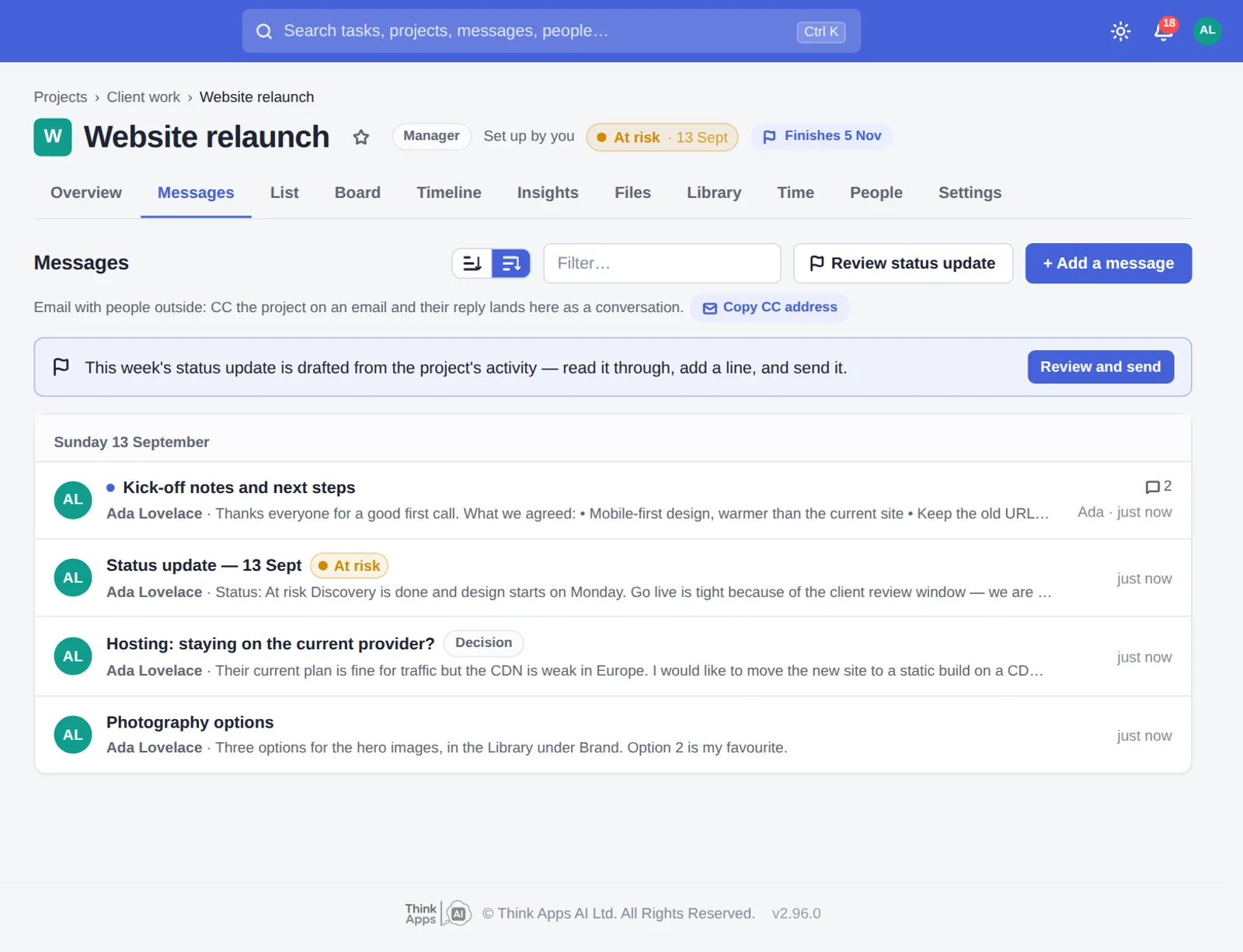
Real screens from Think Projects · an example project
Less time piecing things together.
More time doing the work that matters.
Estimates, dependencies and time away become a working forecast. When something changes, see what moved — and why.
Explore the timeline ↗Tasks, conversations, files and decisions stay together. Find the answer without retracing the conversation.
Clients and collaborators join as free guests. Their email replies land in the right thread, under their name.
Meet your guests ↗Done, slipped, coming up, blockers. A draft from the week’s activity, ready for your team to review, edit and send.
No big migration day. Import a real project, invite a few people and try it alongside the way you work today.
What transfers varies by tool. Imports can be undone.
Real screens from an example project.
It moves along by itself — or tap a name.
Every feature included. Guests always free.
For up to 5 team members
Try Starter free ↗For up to 15 team members
Try Team free ↗For up to 40 team members
Try Studio free ↗Prices in pounds sterling, per workspace. See full pricing and other currencies ↗
We’re Think Apps AI Ltd, a UK software team. We built Think Projects for our own work, and we’re the people you’ll speak to when you need support.
Say hello ↗Your workspace lives in Finland, with encrypted off-server backups.
You decide when support can open your workspace. Access is logged and you’re told.
Download your whole workspace, including files, at any time.
Yes. Import one project during the 14-day trial and use it for real. The trial has every feature and the limits of the largest plan; no card is needed.
The workspace goes read-only — you can open it and download everything, but not add to it — until you choose a plan. If you never do, we keep it for 90 days, email you before the end, and then delete it.
No. Import project by project. Keep your current tool for anything that does not transfer.
An administrator can undo it as a whole, fix the people mapping, and run it again.
They are invited as guests, free on every plan. Clients can reply to project notifications by email, and the reply lands in the thread or on the task under their name. If they open the link, they see only the projects they are on.
Invoicing, budgets and proofing; an automation builder; a workload chart; native phone apps (it installs from the browser as an app, with notifications); an AI assistant. The comparison pages say where another tool is the better fit.
No card needed. Bring your team. Guests come free.