
On your phone
Installing the app on a phone, pop-ups, and sharing links, photos and text into a project.
Think Projects works in the phone's browser, and better still as an installed app on the Home Screen: it opens full-screen, and it can show pop-up notifications.
Installing
- iPhone or iPad — open app.think-projects.com in Safari, tap the Share button, then Add to Home Screen.
- Android — open it in Chrome, open the browser menu and tap Install app (or Add to Home screen).
Then open the installed app, go to My settings → Notifications and Turn on pop-ups.
Sharing into a project
Found a link, a photo or a document on your phone that belongs in a project? Share it to Think Projects and it lands in that project's Library, without opening the app and finding the right place.
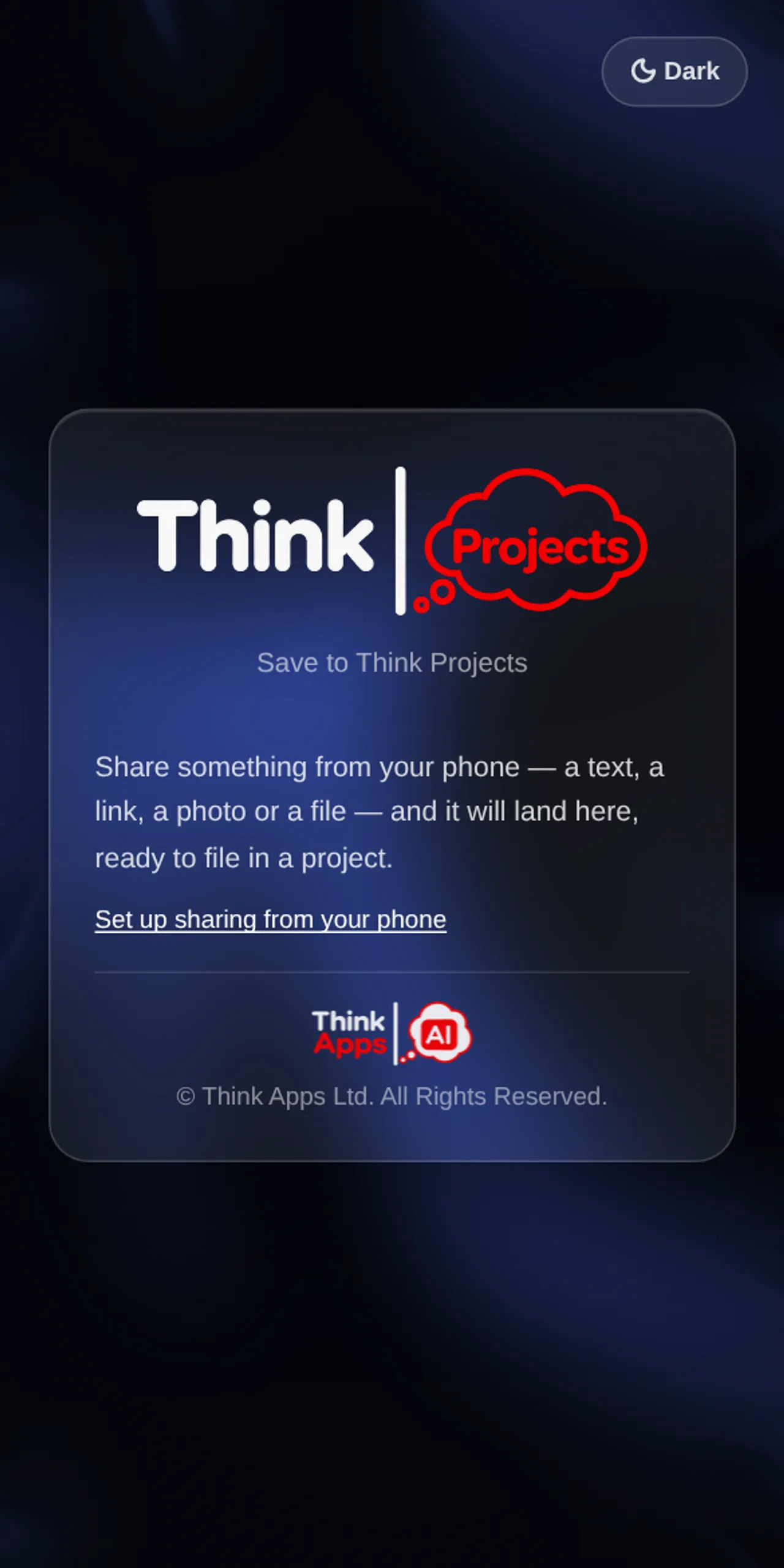
You pick the project (the last one is remembered), optionally a section and a title, and tap Save. A shared link becomes a Link item, text becomes a Note, a photo or file becomes a File item.
Android
Once the app is installed it appears in the share sheet by itself: share from any app, choose Think Projects, done.
iPhone
iPhones do not let a web app into the share sheet, so sharing straight from another app is not there yet. For now, copy the link or save the photo, open Think Projects and add it to the project's Library (Add → Link, or drop the file in).
You can also forward an email to a project's own address from any phone; see Files and Library.
Want to try it on your own work? Every feature on every plan, a 14-day trial, no card needed — and guests are always free.
Create a workspace